Frappe Cloud
Get a server of your own in the region you choose. Run Frappe apps on it with Pilot, or use it as a plain Ubuntu machine.
Start here
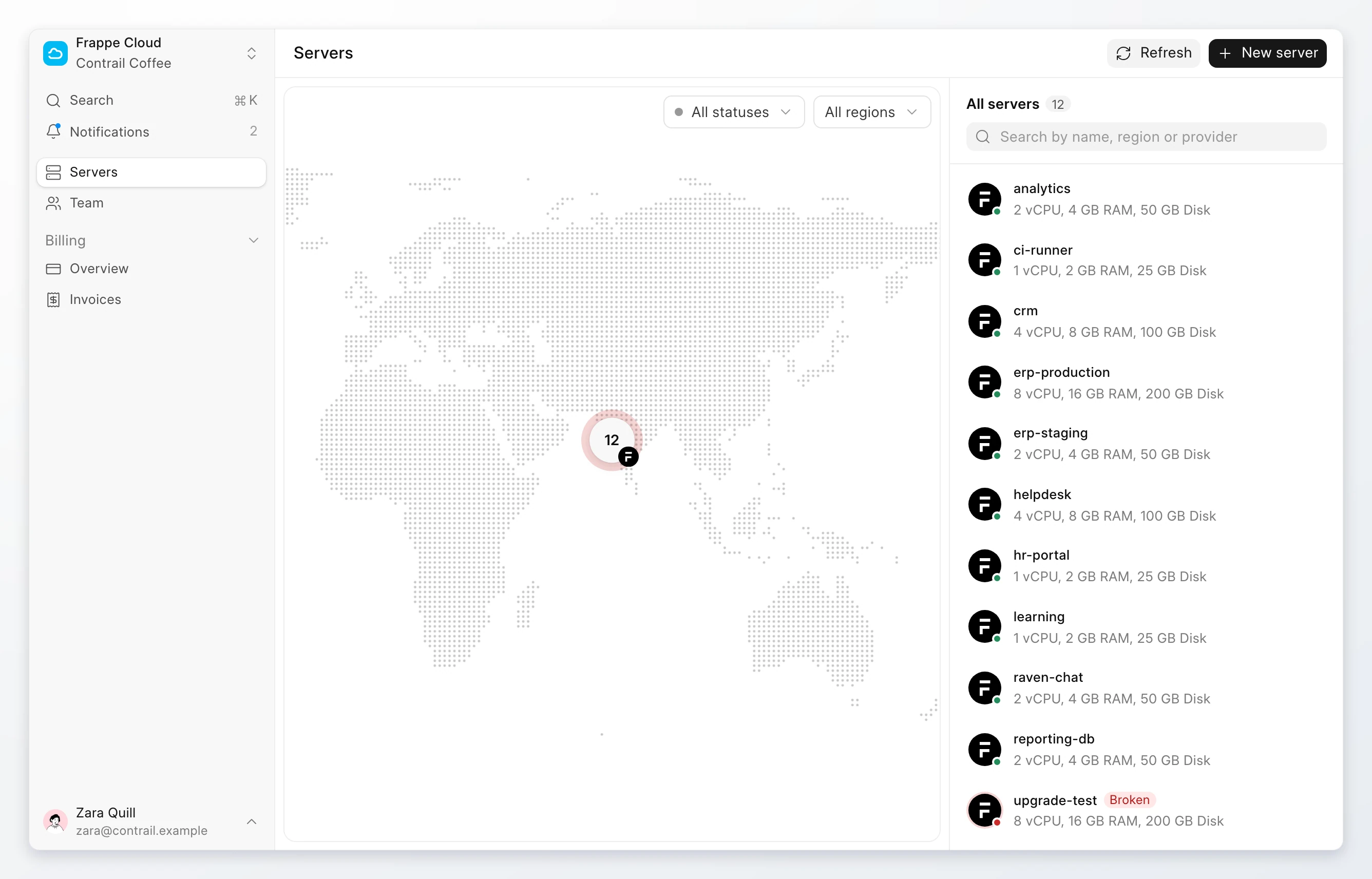
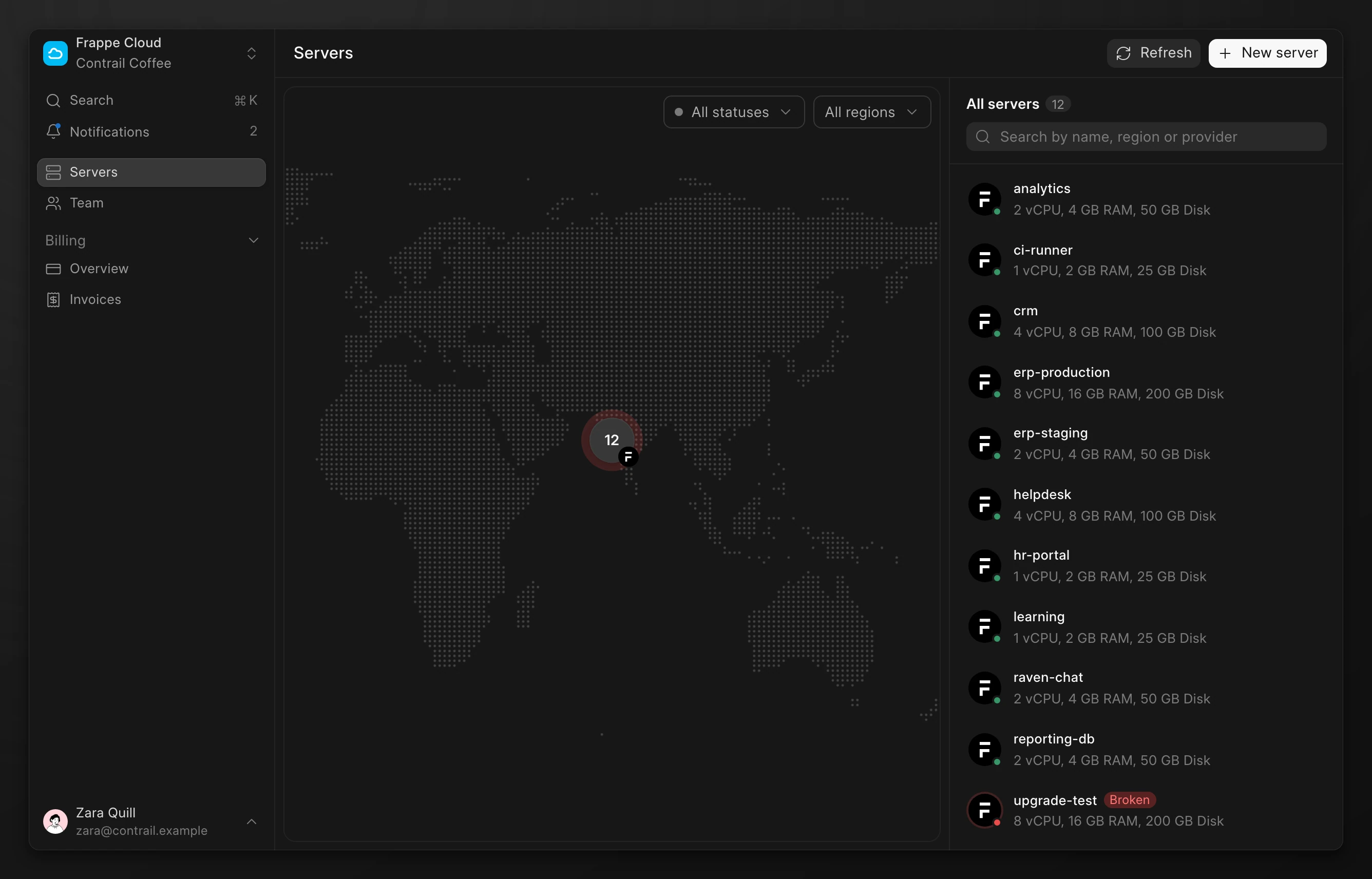
Quick startCreate a server and open your first site.Migrate from Frappe Cloud ClassicMove a site from the earlier Frappe Cloud to a server of your own.How Frappe Cloud worksServers, Pilot, benches, and sites in one picture.ServersCreate, connect to, and manage your servers.PilotManage benches, sites, and apps inside a server.
Browse by topic
| Topic | What you can do |
|---|---|
| Servers | Create a server, connect with SSH, set firewall rules, and take snapshots. |
| Apps | Create a Redis, MariaDB, or Prometheus and Grafana server. |
| Pilot | Manage benches, sites, apps, domains, and backups. |
| Services | Keep files in Object Storage and call AI models with LLM. |
| Team and access | Invite members and give each one a role. |
| Billing | Add a payment method, read invoices, and see your spend limit. |
| Account | Change your profile and theme and choose your notifications. |
Get help
Read Troubleshooting for fixes to common problems. To send a ticket, read Contact support.