Connect GitHub
A GitHub connection gives Pilot read-only access to the private repositories that you select, so that it can import and update a private app. You start the connection in Pilot.
Note
Connecting needs the Owner, Admin, or Developer role. You must also be an administrator of each repository on GitHub. A server on a free trial cannot connect GitHub.
Connect your GitHub account
- In Pilot, go to Settings > General > Git settings.
- On Connect through Frappe Cloud, click Connect.
- GitHub opens. Sign in and approve the request.
- If GitHub asks, install the Frappe Cloud GitHub App on the account that owns your repositories. Select all repositories or only the ones that you need.
Frappe Cloud then shows the Connect GitHub page.
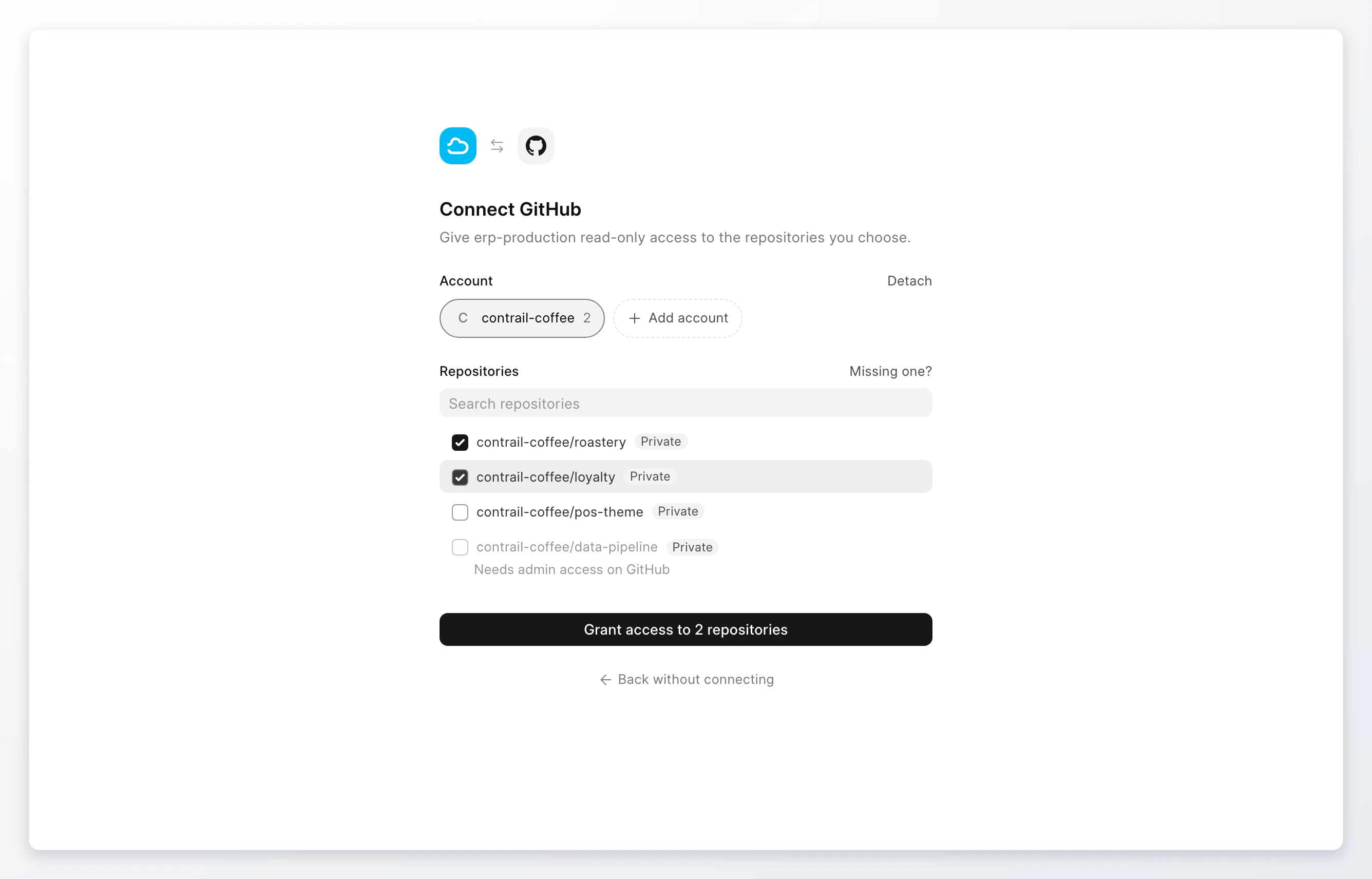
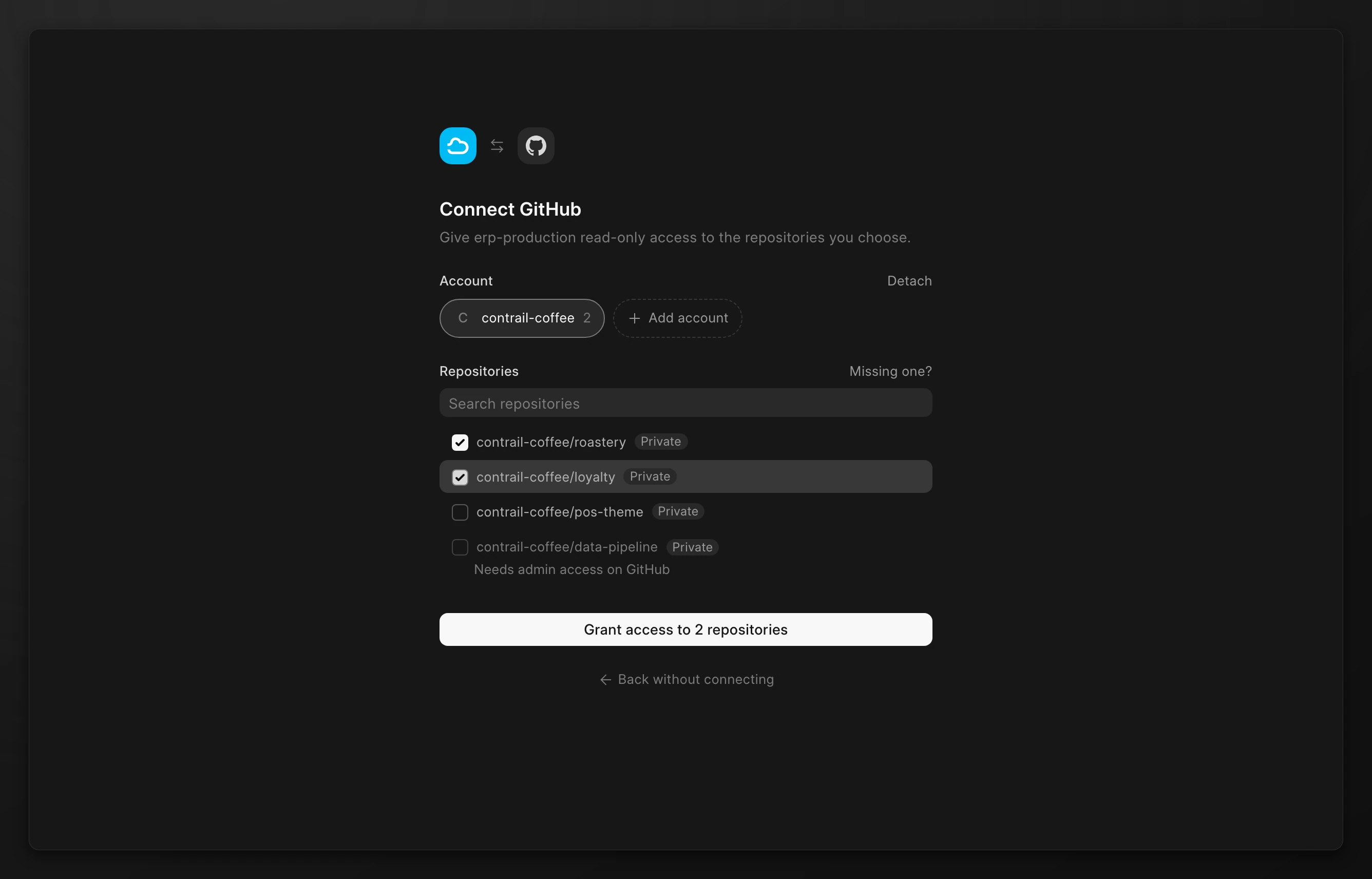
- Under Account, click the GitHub account. To use another account, click Add account.
- Under Repositories, select each repository that the server needs. Use Search repositories to find one.
- Click Grant access to 2 repositories. The number matches your selection.
The browser returns to Pilot. Git settings shows Connected through Frappe Cloud and the repositories.
A repository that shows Needs admin access on GitHub cannot be selected. Ask an administrator of that repository to connect it. If a repository is not in the list, click Missing one? and add it to the GitHub App.
The link from Pilot works for 1 hour. If the page shows This link has expired, go back to Pilot and click Connect again.
Change the repositories
- In Pilot, go to Settings > General > Git settings.
- Open the GitHub actions menu. Click Manage repositories.
- Change the selection. Click Grant access, or Save changes when no repository is selected.
To remove all repositories of one GitHub account, click Detach next to the account.
Check or remove the connection
Open the GitHub actions menu in Git settings.
| Action | Effect |
|---|---|
| Verify connection | Pilot checks that it can reach GitHub. |
| Disconnect | Pilot loses access to your repositories. You cannot install or update a private app until you connect again. |
The connection also stops when you remove or suspend the Frappe Cloud GitHub App on GitHub. If you remove one repository from the App, the server loses only that repository.
Use a personal access token
If you do not want to use the GitHub App, click Connect on Use a personal access token in Git settings.