Benches
A bench is the app code, the Python environment, and the web and background processes that serve your sites. Every site on a bench uses the code of that bench.
A Frappe server starts with one bench. Pilot shows its name under Pilot at the top of the sidebar.
What a bench holds
| Part | What it is |
|---|---|
| Apps | The code of each app, such as frappe, erpnext, and raven. Each app is on the bench once. |
| Sites | The Frappe sites that the bench serves. Each site has its own database and files. |
| Processes | The web server, the realtime server, and the background workers. |
| Database | The MariaDB server that holds the database of each site. |
| Logs | The log files of the bench processes. Read them on the Logs page. |
An app update changes the code for every site on the bench. Read Updates and migrations.
Bench settings
Go to the Pilot menu at the top of the sidebar. Click Settings. The settings apply to the whole bench.
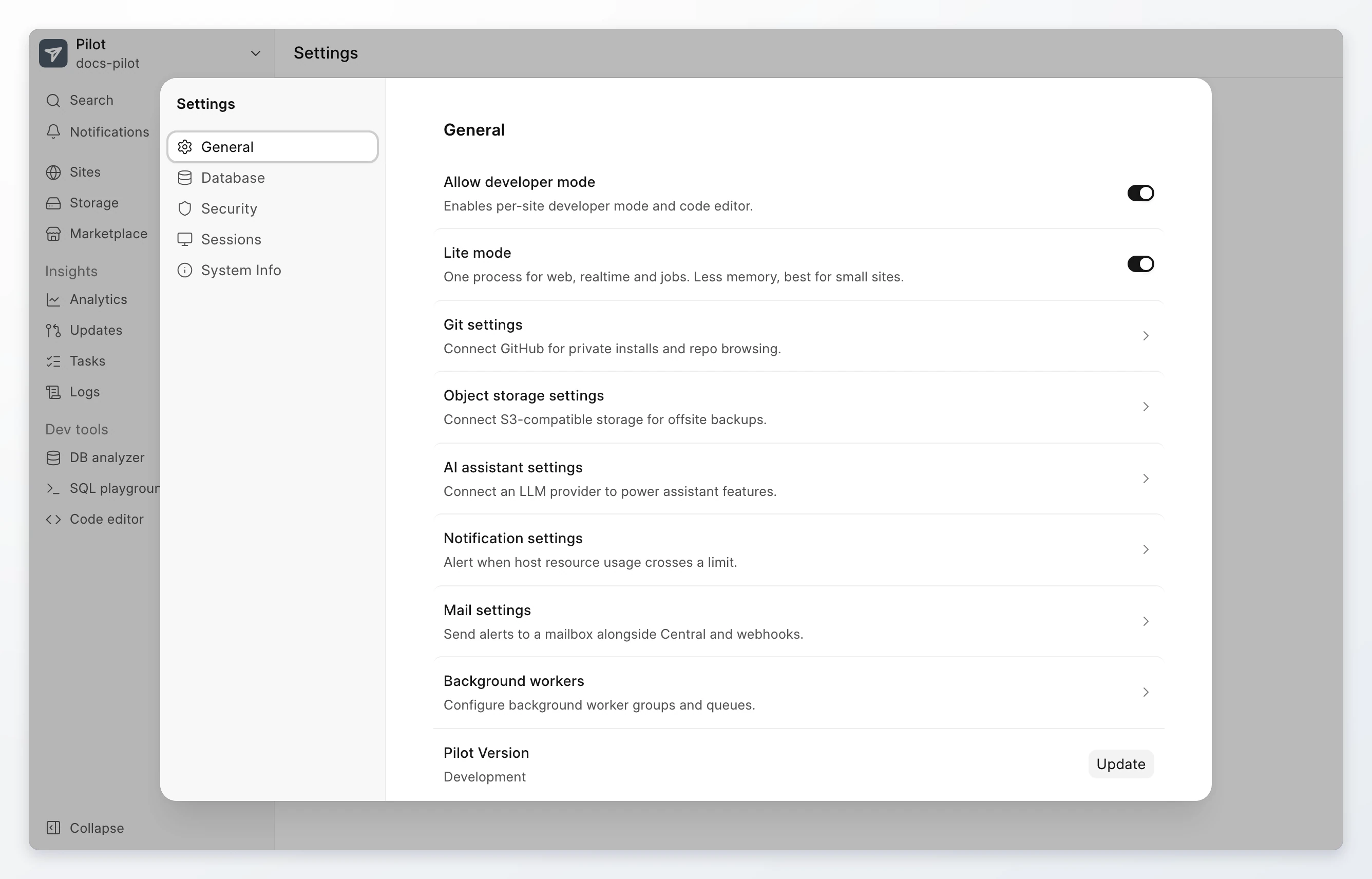
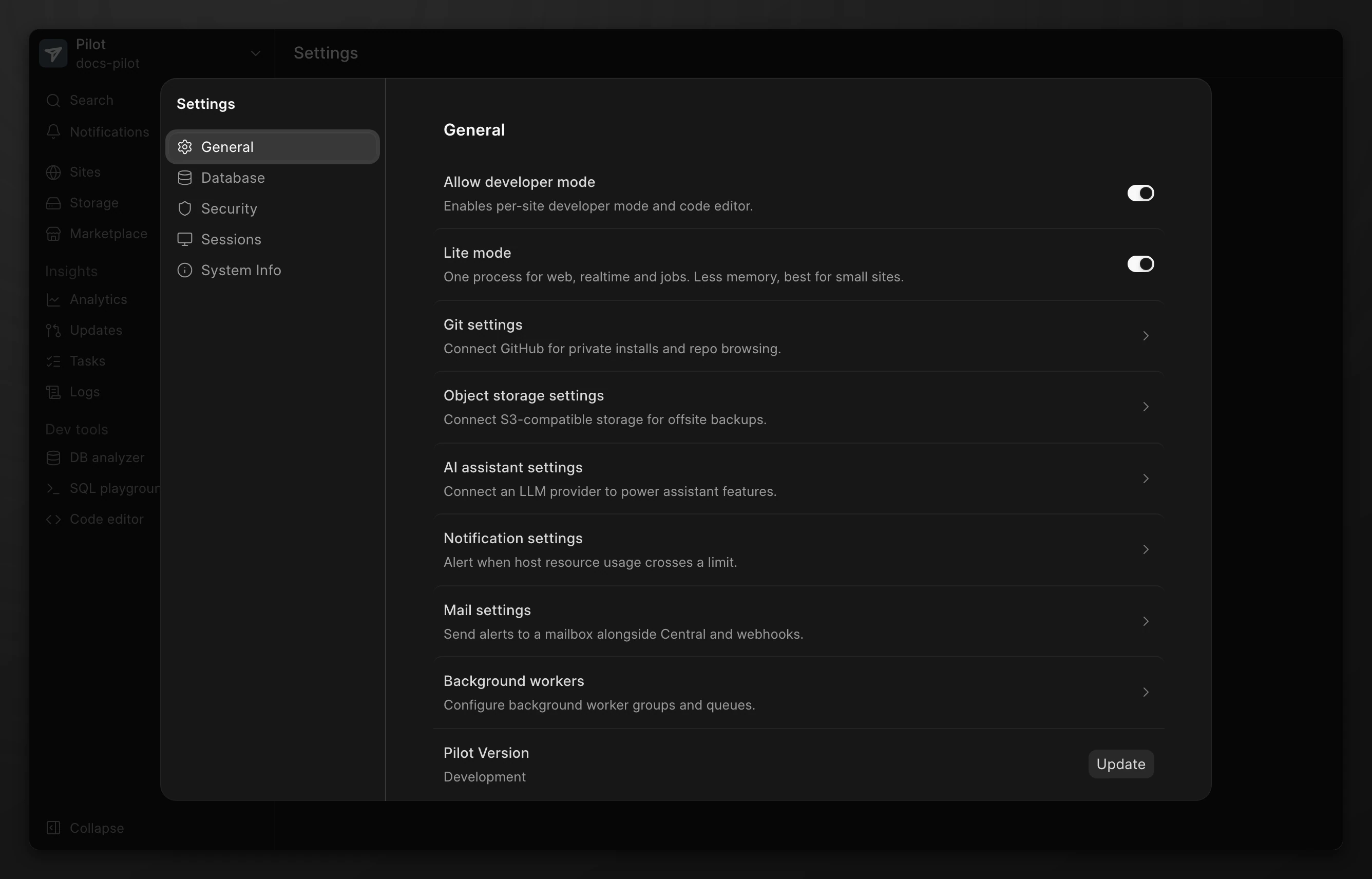
| Section | Setting | What it does |
|---|---|---|
| General | Allow developer mode | Lets you turn on developer mode on a site, and shows the code editor. |
| General | Lite mode | Runs web, realtime, and jobs in one process. It uses less memory and suits small sites. Pilot shows it only when the bench supports it. |
| General | Background workers | Sets the worker groups, the number of workers in each group, and the queues they read. |
| General | Git settings | Connects a GitHub account, so you can import private apps. |
| General | Object storage settings | Connects S3-compatible storage for offsite backups. Read Backups and restore. |
| General | Mail settings and Notification settings | Send an alert when server resource use crosses a limit. |
| Database | Database configurations and Quick actions | Tune and restart MariaDB. Read Database access. |
| Security | SSH keys | Gives a key holder SSH access to the server. Read SSH keys and code editor. |
| Security | Firewall settings and Web application firewall | Restrict access to the server and inspect incoming requests. |
| Sessions | Lists the active Pilot sign-ins. You can revoke a session. | |
| System Info | Shows the system and runtime versions of the server. |
Storage use
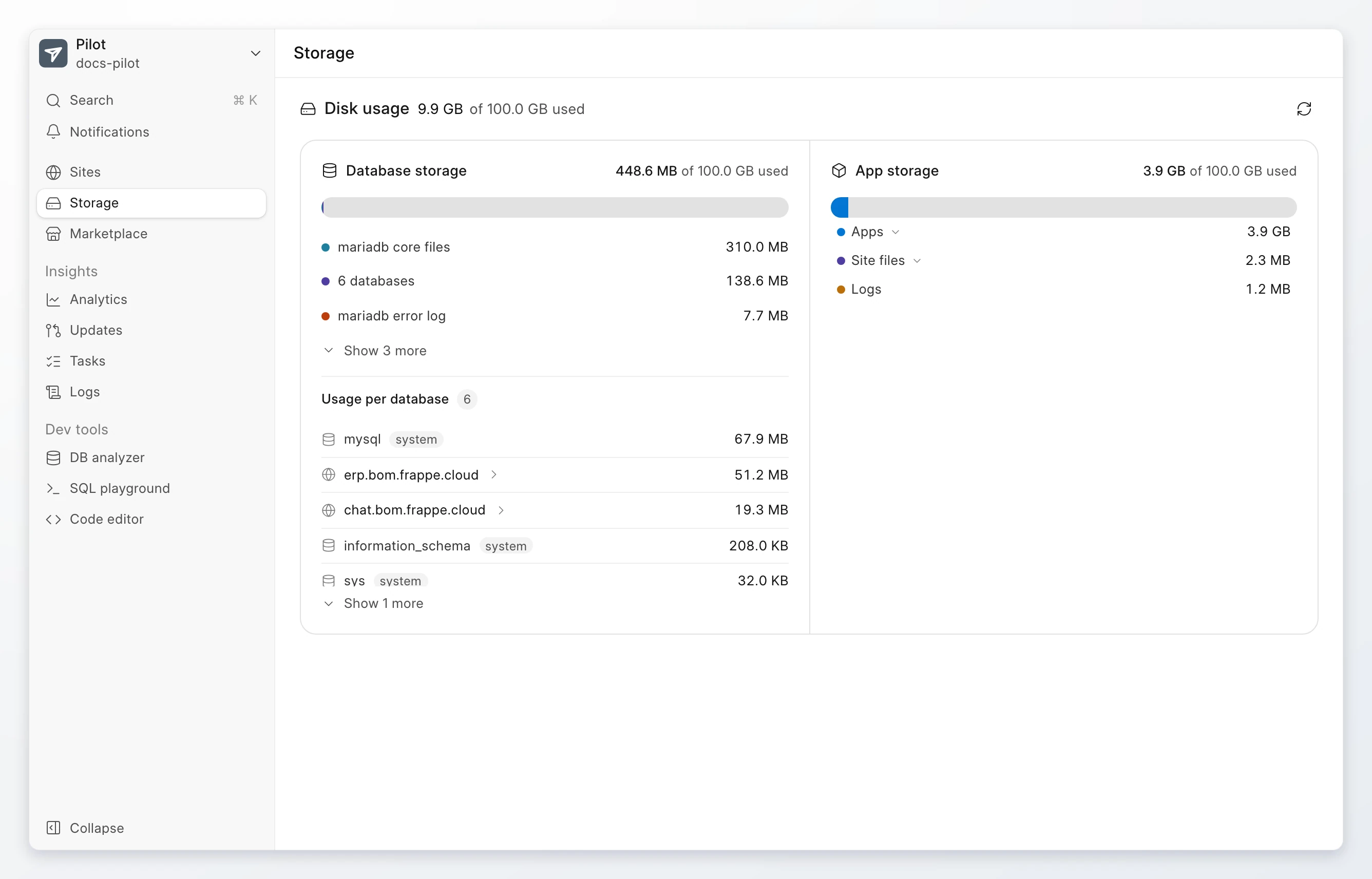
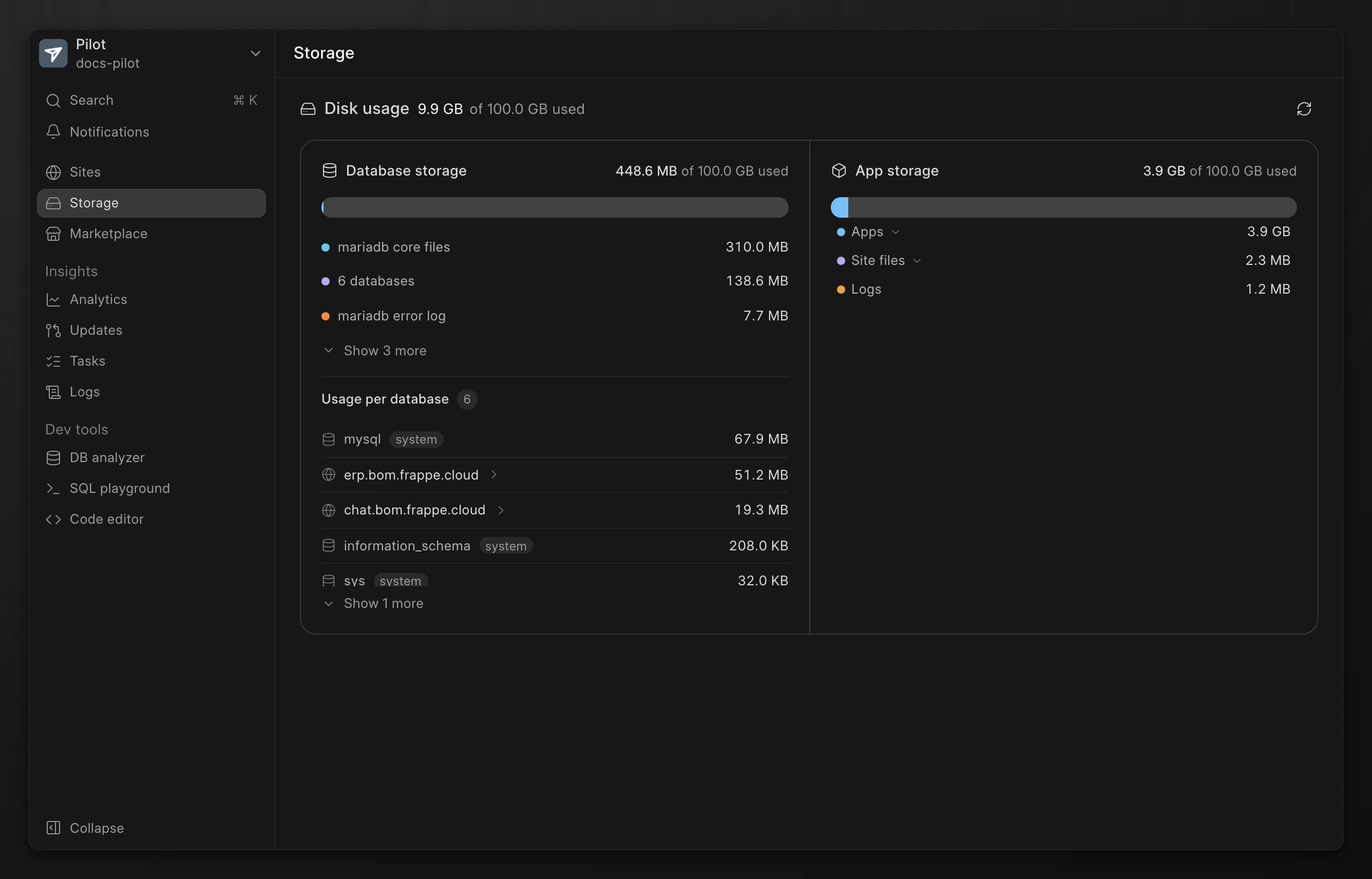
Go to Storage. The page shows the disk that the apps, site files, backups, and logs use, and the size of each database.
If the binary logs of the database use a large amount of disk, the page shows Binary logs are taking up space. Click Purge binary logs to delete them.
Keep workloads apart
All benches on a server run as the same server user. A bench can read the files of the other benches on that server. A bench is a unit of work, not a security boundary.
To keep two workloads apart, such as production and staging, put them on separate servers. Create a server for each one.
From the command line
The Pilot interface has no action to restart the bench processes. To restart them, connect with SSH. Then run the command as the bench user, frappe:
su - frappe
pilot restart
Limits
- Pilot on Frappe Cloud shows one bench for each server. The interface has no action to create, switch, or delete a bench.
- All sites on a bench use the same version of each app.