Servers
A server is a virtual machine that your team runs in one region. It has its own CPU, memory, disk, and network addresses. Your team pays for each server every month.
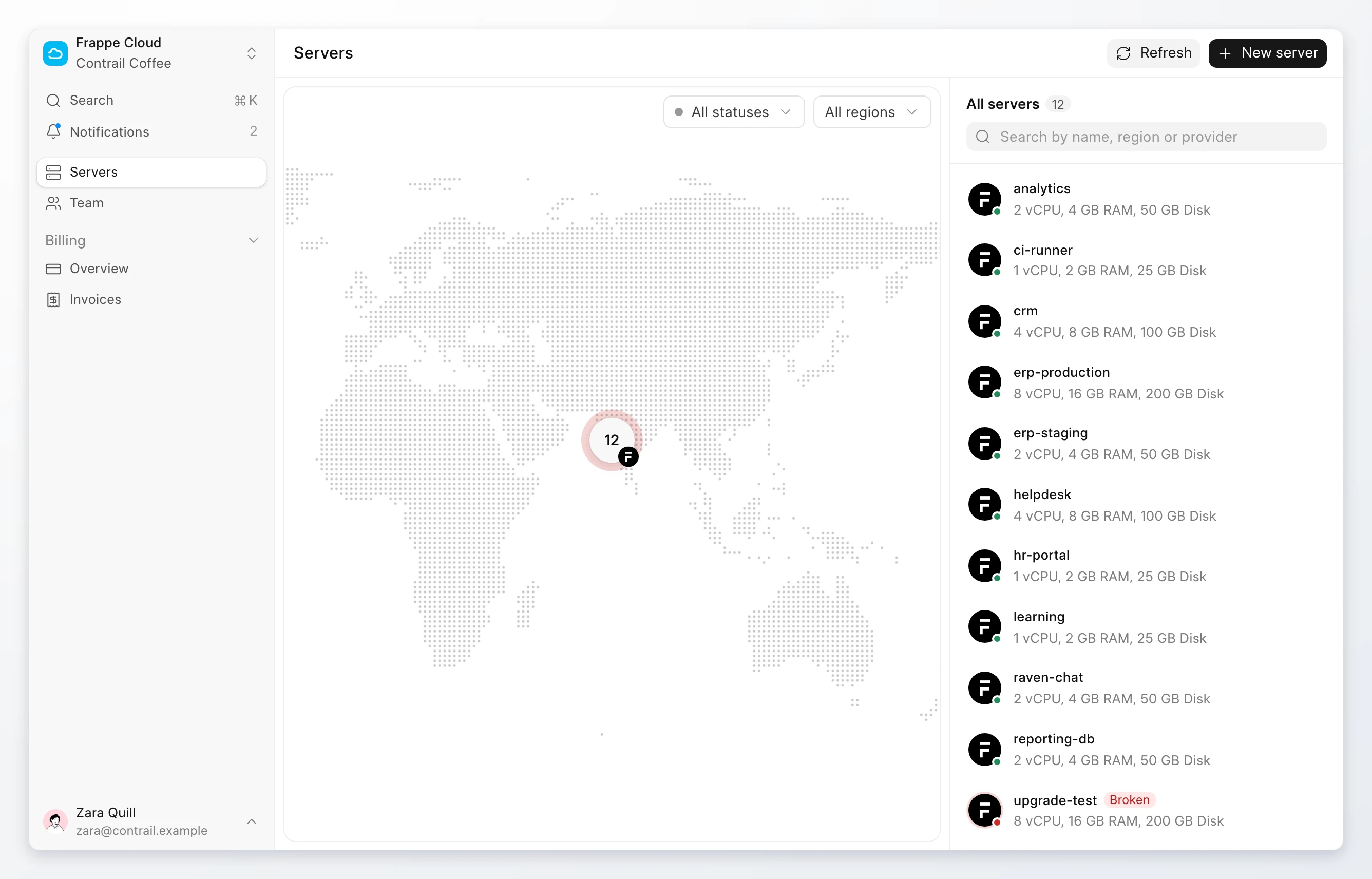
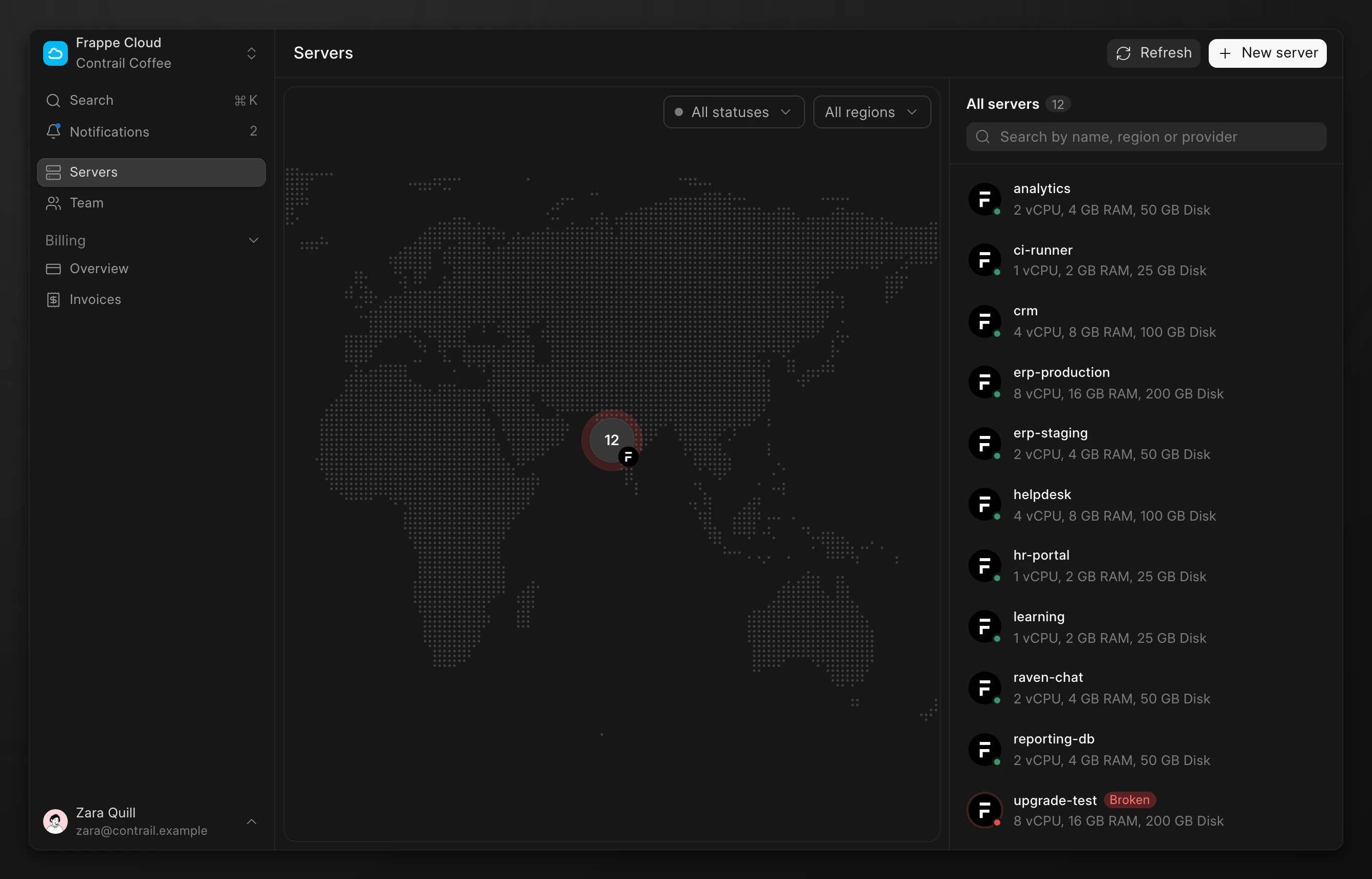
Go to Servers to see all the servers of your team. The list shows the name, the size, and the status of each server. The map shows where each server runs.
Images
The image is the disk that a server starts from. Select Frappe for a server with Pilot, a bench, and optionally a site. Select Ubuntu for a clean operating system. Read Images for the builds and how they are made.
One server for each workload
Create a server for each workload that you want to keep apart, such as production, staging, and internal tools. A problem on one server does not reach the others. You can size, snapshot, and update each server on its own schedule.
A Frappe server can run many sites. Keep sites together when they belong to the same workload, and give a busy or critical site a server of its own.
Plans
The plan sets the vCPU count, the memory, and the disk size of the server. Each plan shows its monthly price. Select Custom to choose the exact vCPU, memory, and disk that you need.
The server header shows the plan and its price. You can resize a server to another plan later.
Server page
Click a server to open its page. The header shows the status, the region, the plan, and one address. The page has these tabs:
| Tab | Shows |
|---|---|
| Overview | CPU, memory, disk, and network usage. |
| Networking | Addresses, the firewall, and the domains that point to the server. |
| Access | The SSH command and the keys that can sign in. |
| Snapshots | The snapshots of this server. |
| Settings | Resize and terminate. |
Statuses
| Status | Meaning |
|---|---|
Setting up | The region is building the server. Most actions are not available yet. |
Active | The server is running. |
Resizing | The server is changing to a new size. |
Paused | The server is paused. You can start it. |
Stopped | The server is off. You can start it. |
Broken | The server failed. You can try to start it. |
Terminating | The server and its disk are being deleted. |
While an action runs, such as a restart, the status shows the name of that action.
Who can manage servers
Note
Members with the Owner, Admin, or Developer role can create, change, and terminate servers. Members with the Viewer or Billing role can only see servers. See Roles and permissions.
Limits
| Item | Limit |
|---|---|
| Server name | 60 characters. |
| Disk size | You can increase it. You cannot decrease it. |
| Monthly cost | New servers must fit in the remaining spending limit of your team. |