Team settings
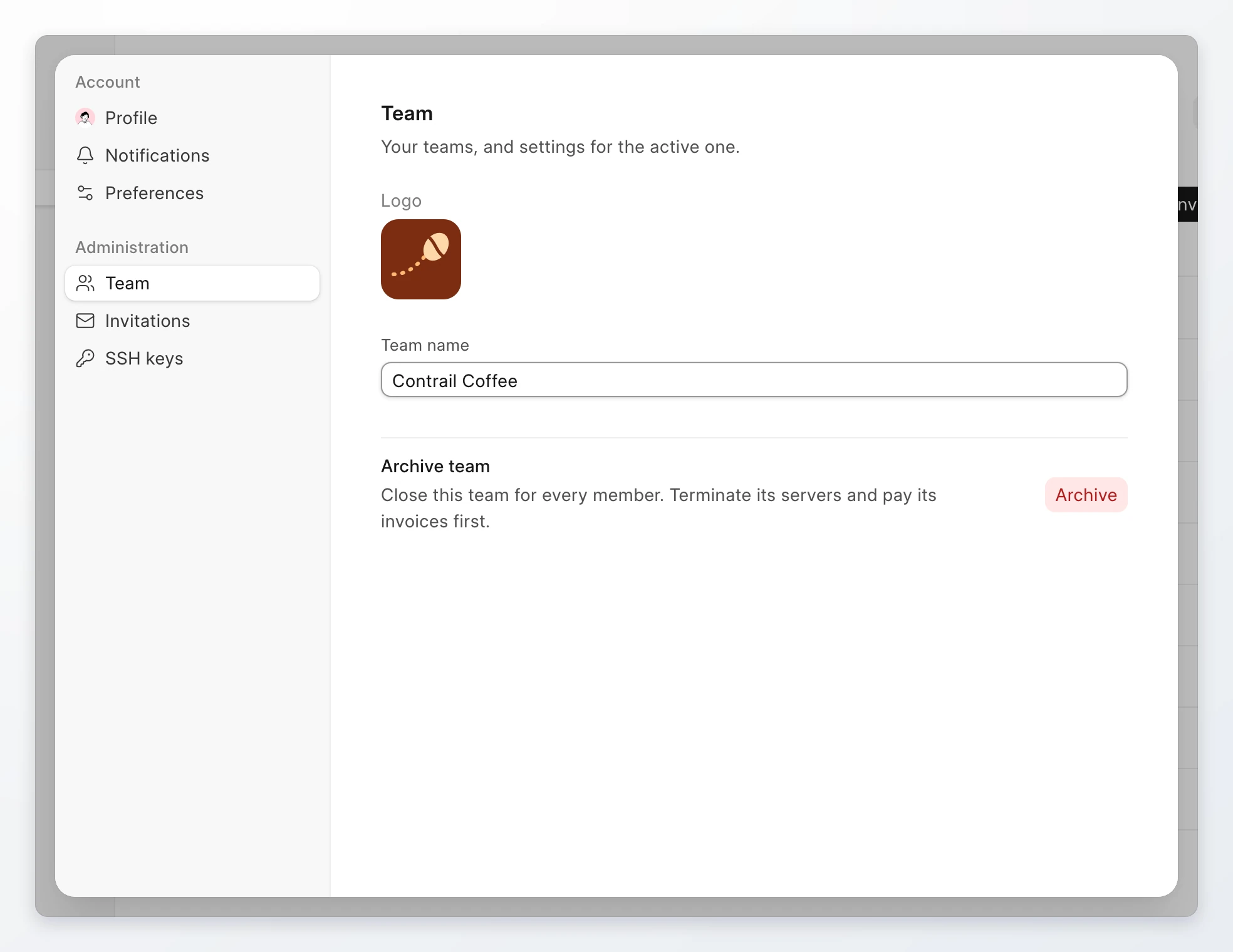
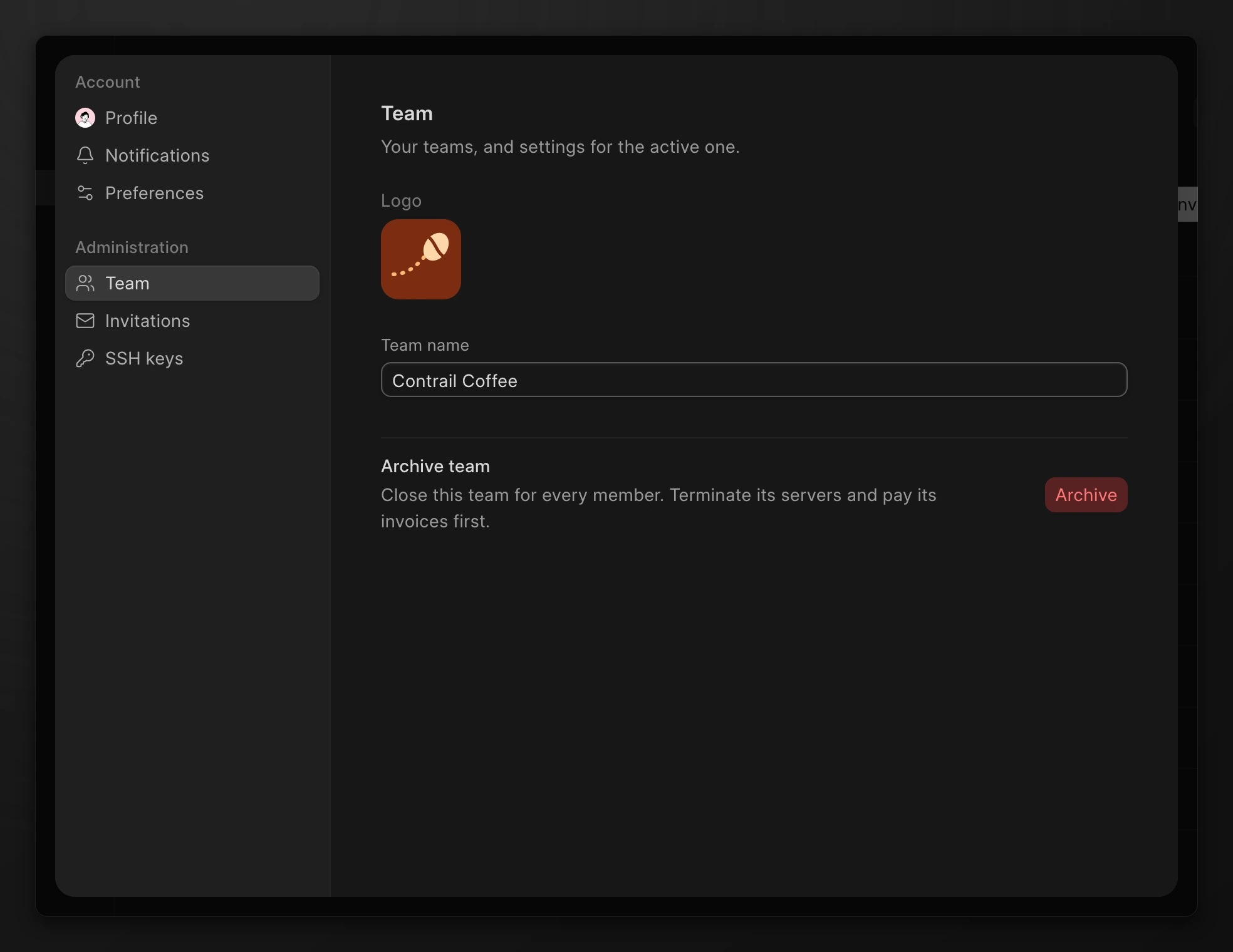
Change the team name and logo, switch between teams, create a team, or archive a team. Team settings are on the Team tab of the settings dialog.
Open team settings
Go to Team. Click the pencil icon next to the team name. The settings dialog opens on the Team tab.
Note
You need the Owner or Admin role to change the name or the logo. Only the Owner can archive the team.
Rename the team
- Open team settings.
- Change the Team name.
- Click Save, or press Enter.
The new name shows in the team switcher and on the Team page for every member.
Change the logo
- Open team settings.
- Click the logo under Logo.
- Click Upload a logo and select an image. To remove the logo, click Remove logo.
Without a logo, the team shows the first letter of its name.
Switch teams
You can belong to more than one team. Each team has its own servers, members, and billing.
- Click the team name at the top of the sidebar.
- Click the team to open.
The console reloads on that team. When you belong to more than 6 teams, the list has a search box.
Create a team
- Click the team name at the top of the sidebar.
- Click Create team.
- Type a Team name.
- Click Create team.
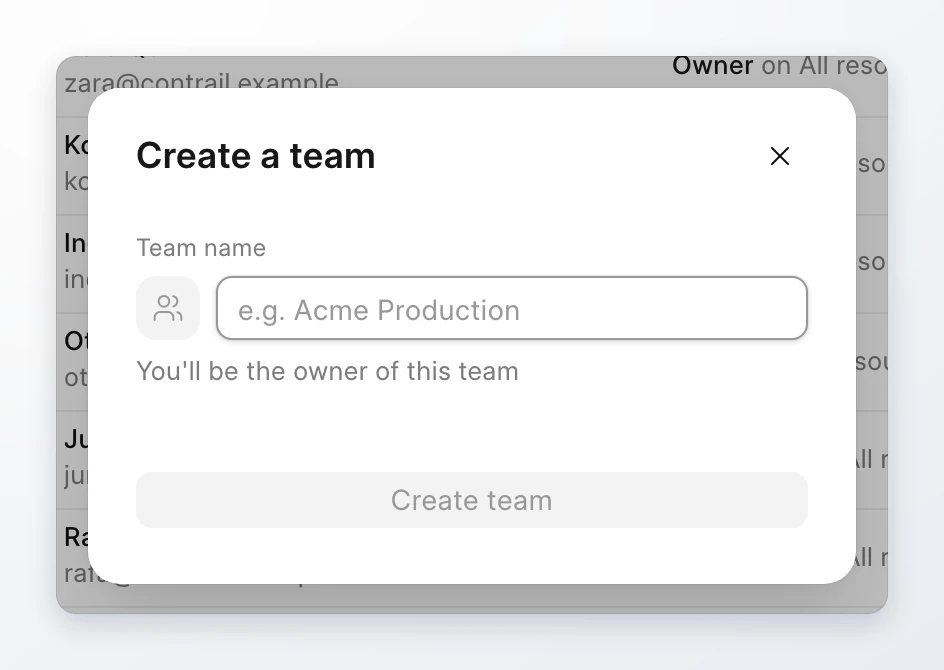
You are the Owner of the team you create. The new team has its own billing, so add billing details before you create servers in it. See Payment methods.
Archive the team
Archive a team when you no longer use it. Every member loses access. Invoices and records are kept.
Before you can archive, the dialog checks that:
- All servers are terminated.
- No paid snapshots remain.
- No bucket subscriptions or other paid add-ons are billing.
- No invoices are unpaid.
- This month's charges can be collected, so the team has a payment method if it owes money.
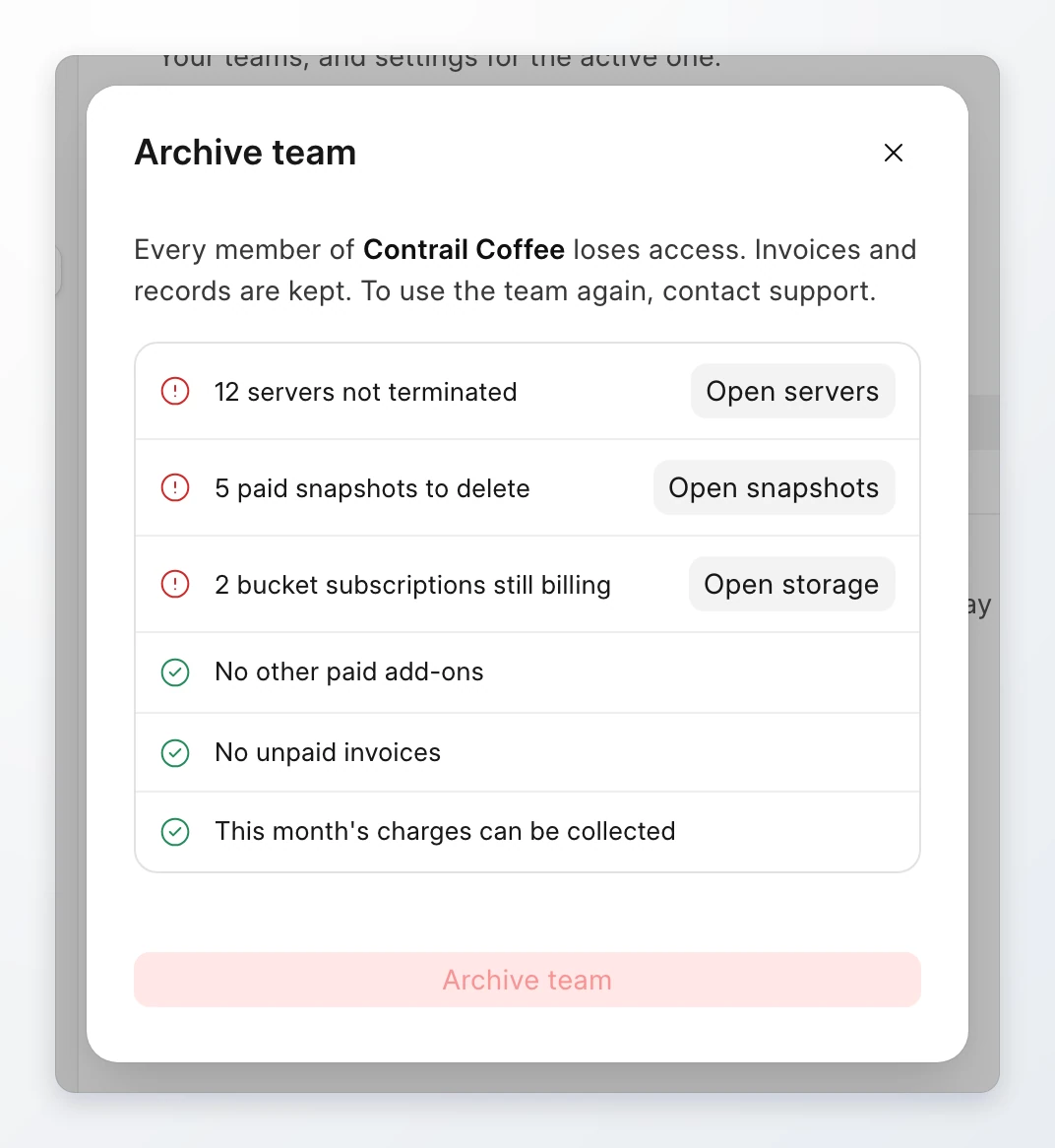
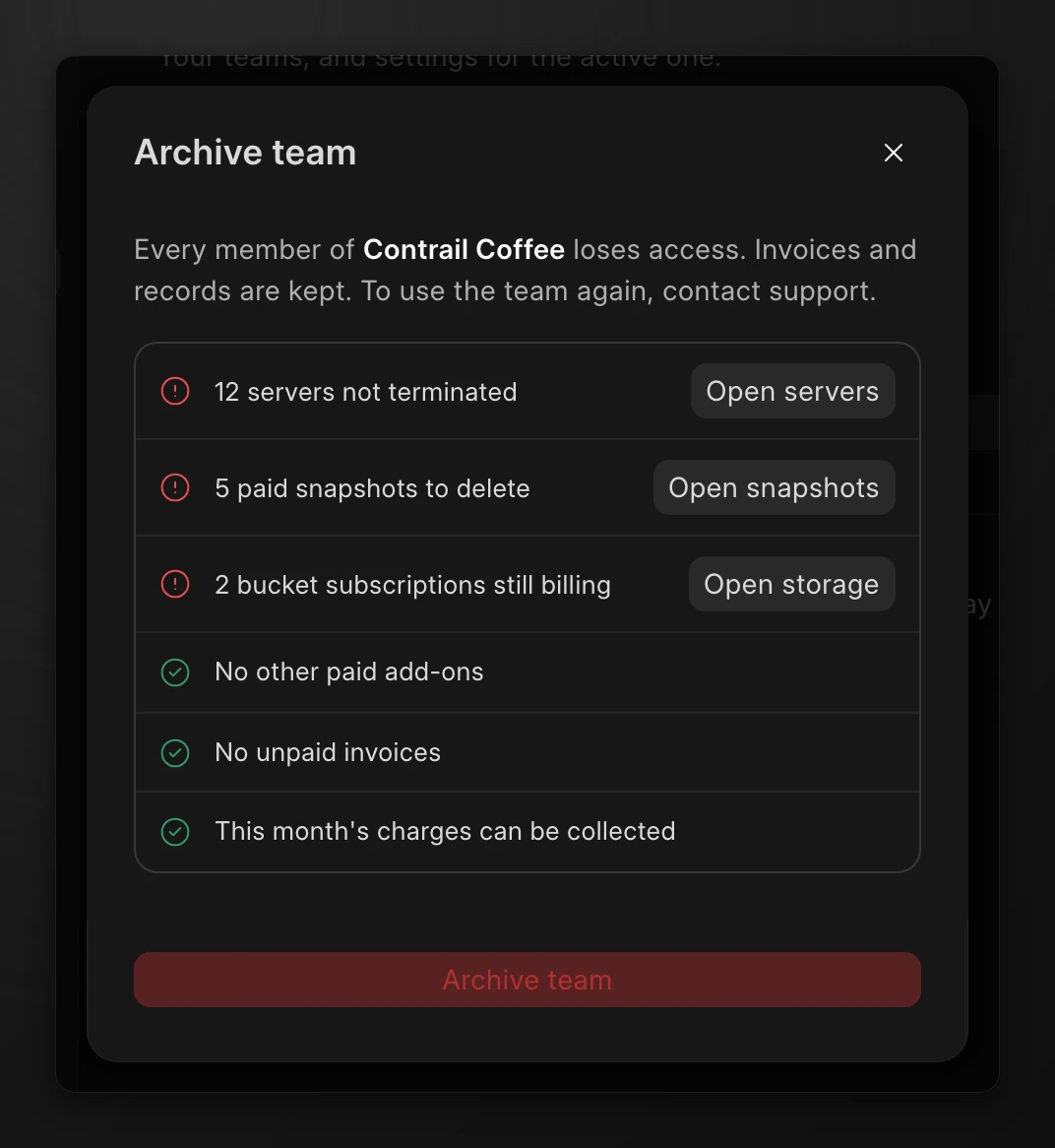
Each failed check has a button that opens the page where you fix it.
- Open team settings.
- Under Archive team, click Archive.
- Fix each failed check.
- Type the team name to confirm.
- Click Archive team.
Warning
Archiving forfeits any credit left in the team's wallet. The dialog shows the amount. To use an archived team again, contact support.