Database access
Each site has its own MariaDB database on the server. Pilot gives you three tools to work with it.
| Tool | Where | Use it to |
|---|---|---|
| SQL playground | Dev tools > SQL playground | Run SQL queries on the database of one site. |
| DB analyzer | Dev tools > DB analyzer | See database size, processes, locks, binary logs, slow queries, and indexes. |
| Database settings | Settings > Database | Tune MariaDB and restart it. |
Run a query
- Go to SQL playground.
- Select the site. The editor opens.
- Type the query. The editor completes table and column names.
- Click Execute.
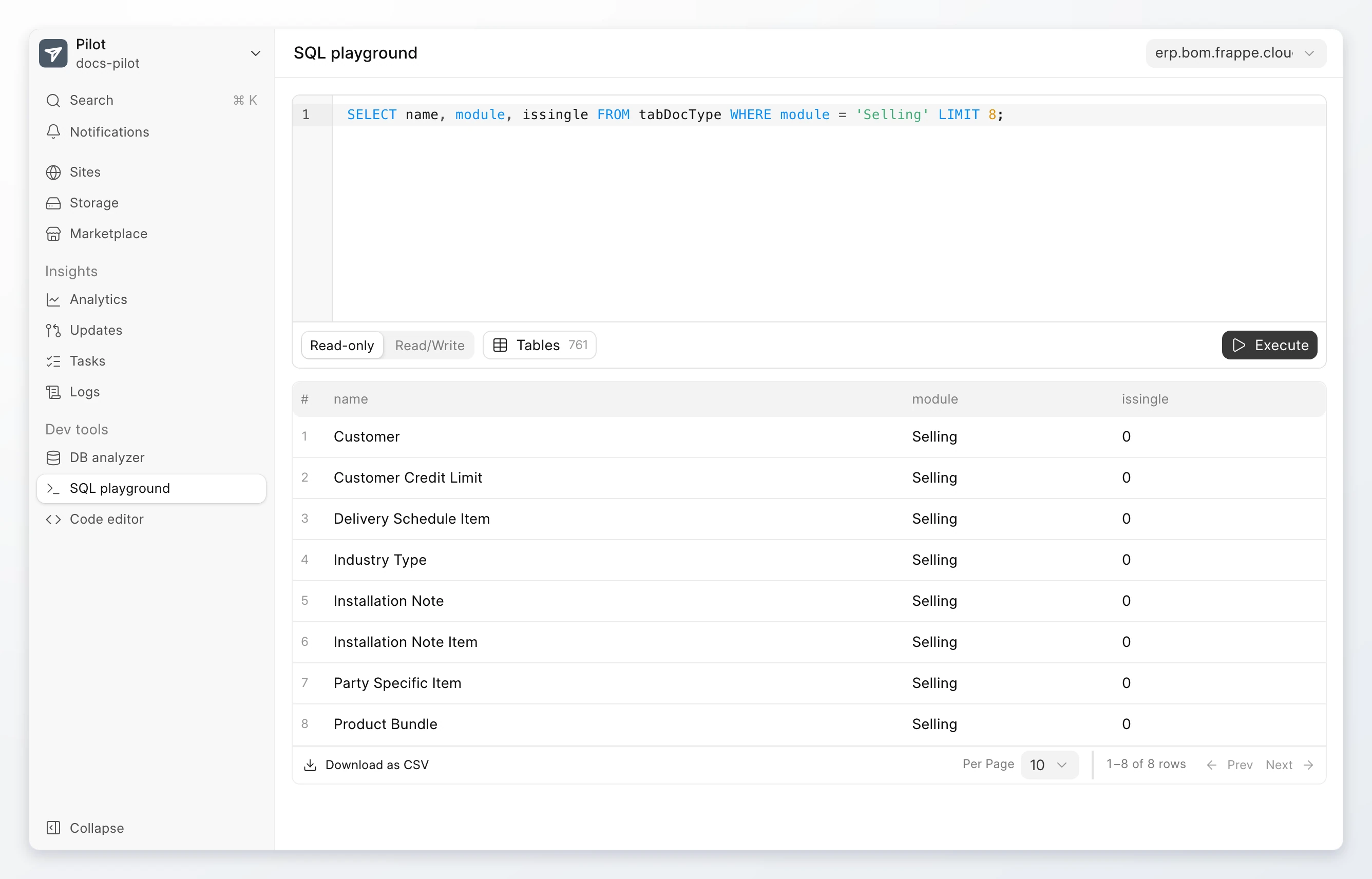
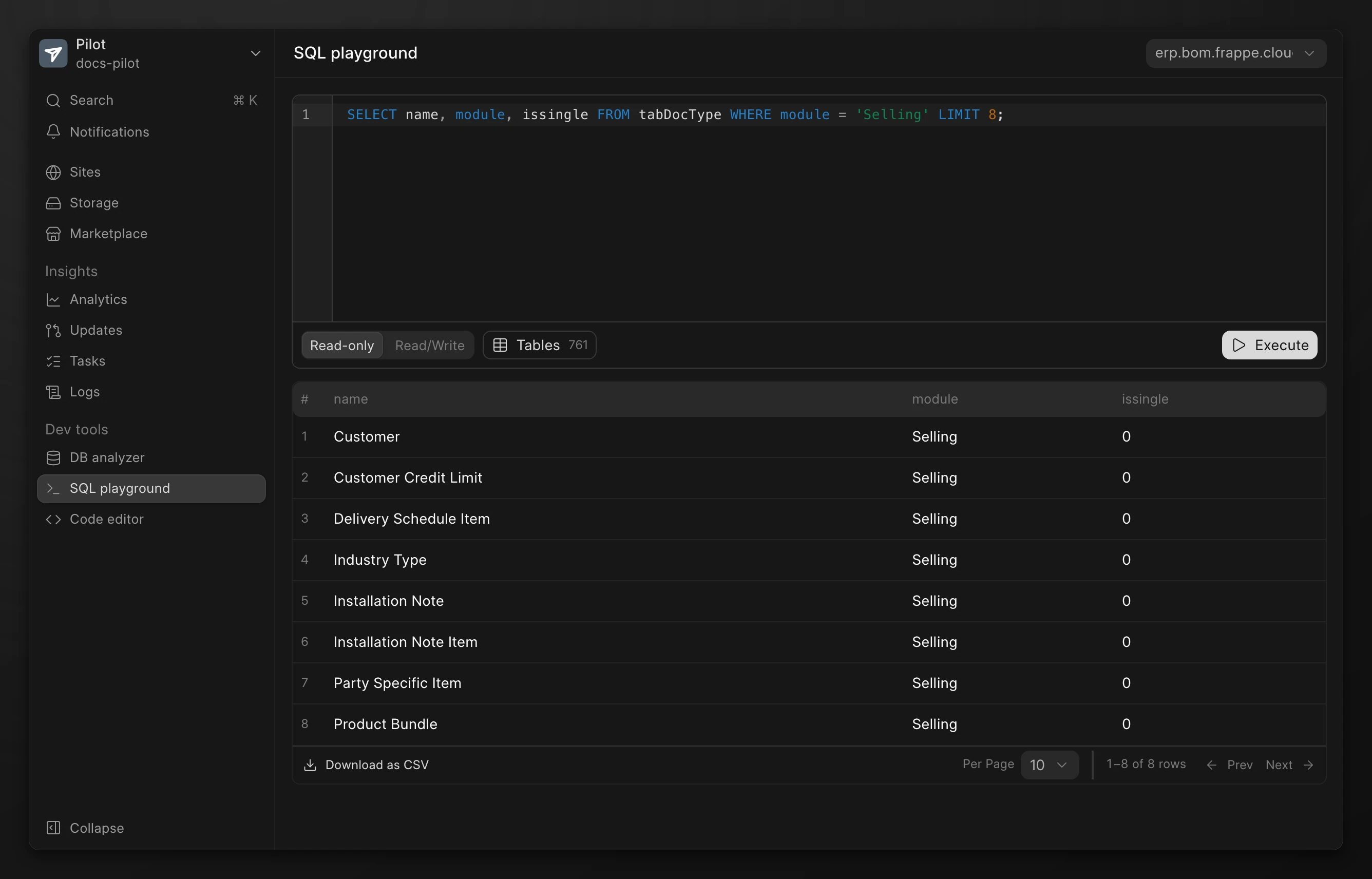
The results show below the editor. If you run more than one query, each result has its own tab, such as Query 1. Click Download as CSV to save the results.
Click Tables to see the tables of the database and their columns.
Read-only and Read/Write mode
The SQL playground has two modes. Select the mode below the editor.
| Mode | What it allows |
|---|---|
| Read-only | Queries that read data, such as SELECT. Use this mode by default. |
| Read/Write | Queries that change data, such as UPDATE and DELETE. Pilot asks you to confirm each query. |
Warning
In Read/Write mode, Pilot commits every change to the database. You cannot undo a change. Back up the site before you change data.
Inspect database health
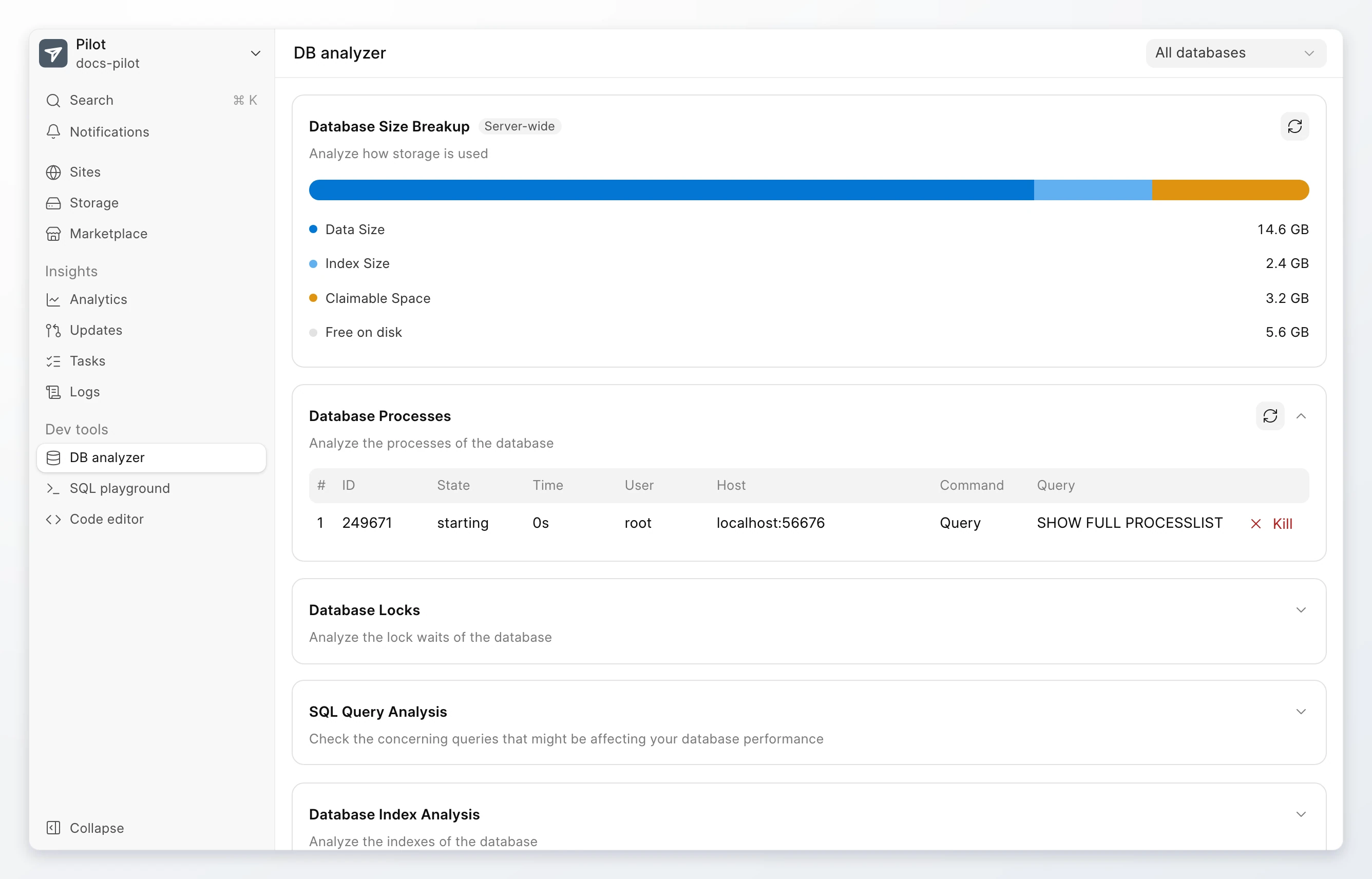
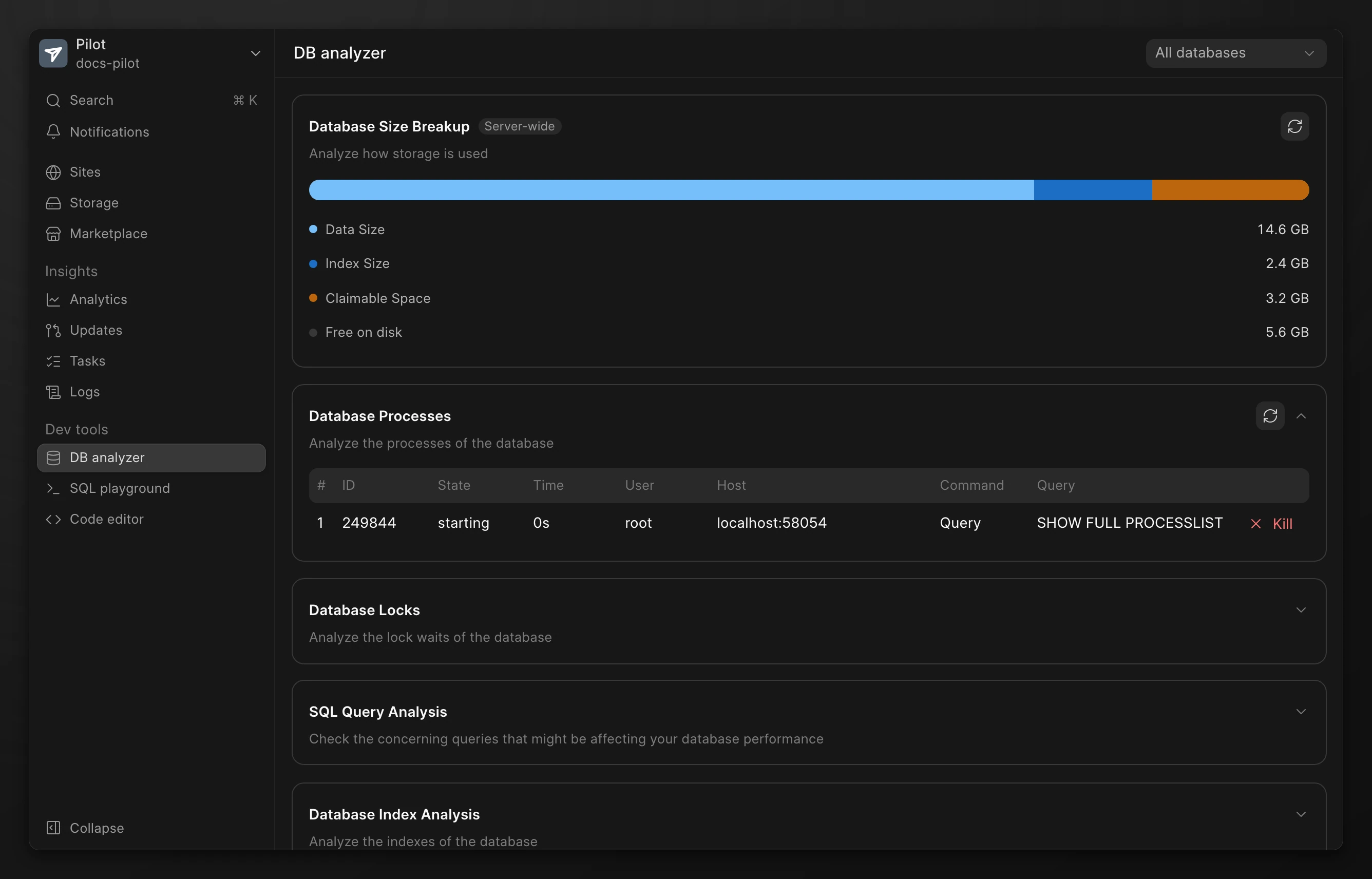
Go to DB analyzer. Select a site to see only its database, or keep All databases.
| Panel | What it shows |
|---|---|
| Database Size Breakup | How the tables of each database use disk. |
| Database Processes | The queries that run now. Click Kill process to stop one. |
| Database Locks | The queries that wait for a lock, and the rows they lock. |
| Database Binary Logs | The binary log files. Delete old files to free disk. |
| SQL Query Analysis | The queries that use the most time, and the queries that scan full tables. |
| Database Index Analysis | Indexes that are not used, and indexes that repeat another index. |
Database Locks updates itself while Auto Refresh is on.
Tune and restart MariaDB
Go to the Pilot menu. Click Settings, then Database.
- Database configurations shows the MariaDB system variables. You can change the settings that Pilot allows.
- Quick actions has Restart MariaDB, Update InnoDB Buffer Pool Size, Update Max DB Connections, Memory split, Performance Schema, and Manage Binlogs.
A restart of MariaDB stops every site on the bench for a short time.
Connect from the command line
The Pilot interface gives no address for an outside database client. To open a MariaDB shell for a site, connect with SSH. Then run these commands:
su - frappe
pilot frappe --site erp.bom.frappe.cloud mariadb