Snapshots
A snapshot is a copy of the whole disk of a server at one point in time. Take a snapshot before a risky change, such as an upgrade. You can restore a snapshot of an Ubuntu server to a new server.
What a snapshot holds
A snapshot holds everything on the disk of the server when the snapshot starts:
- The operating system and the software that you installed.
- On a Frappe server: Pilot, the bench, the apps, and every site with its database and files.
- Your files and settings, such as SSH keys, cron jobs, and configuration.
A snapshot does not include the memory of the server or its network addresses. A server that you restore from a snapshot gets new addresses.
The region keeps each snapshot. A snapshot stays in its region and is separate from the server, so it remains after you terminate the server.
A snapshot covers the whole server. To back up one site, use a Pilot backup instead.
Where to find snapshots
- Open a server and click Snapshots to see and take the snapshots of that server.
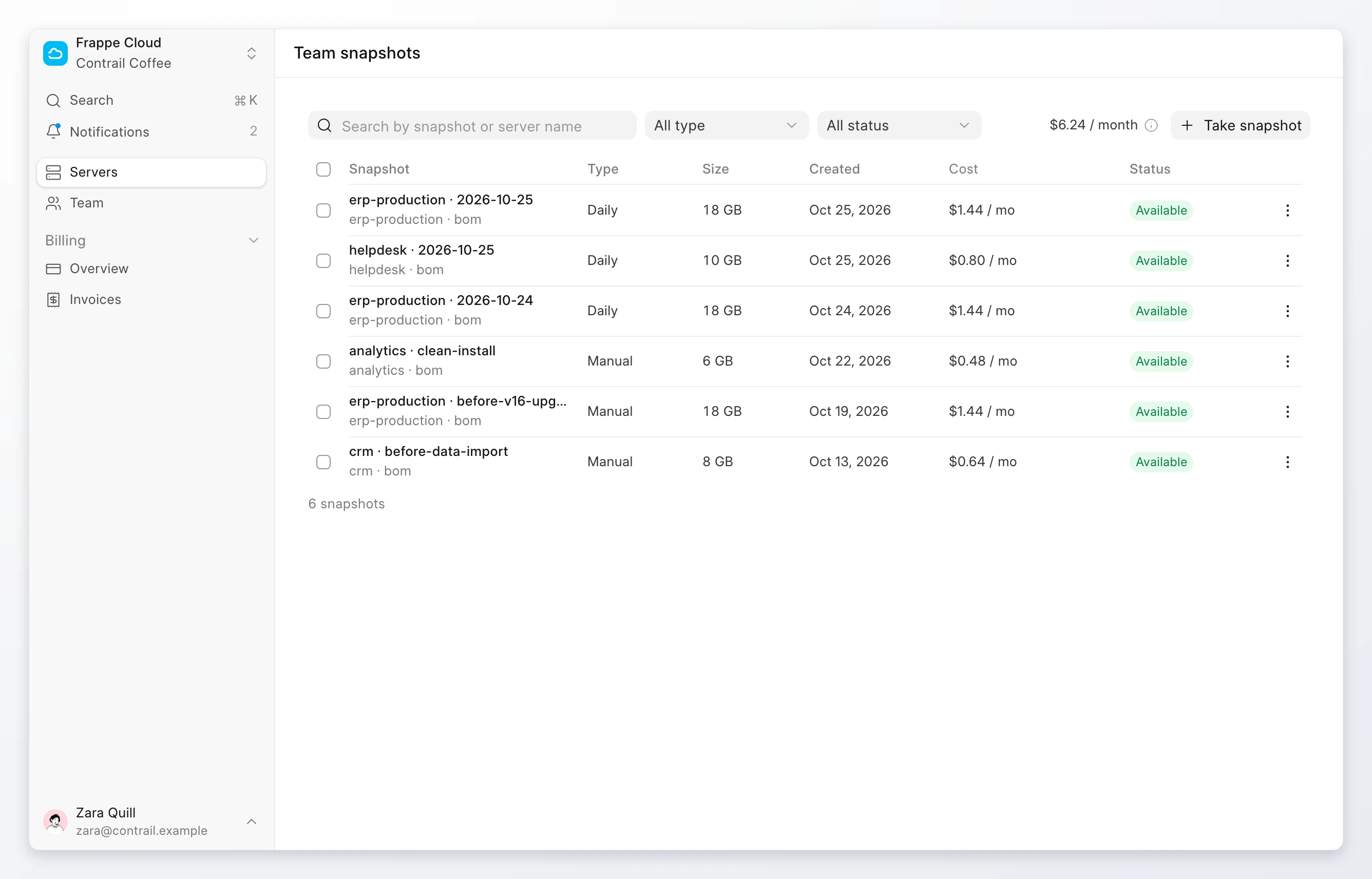
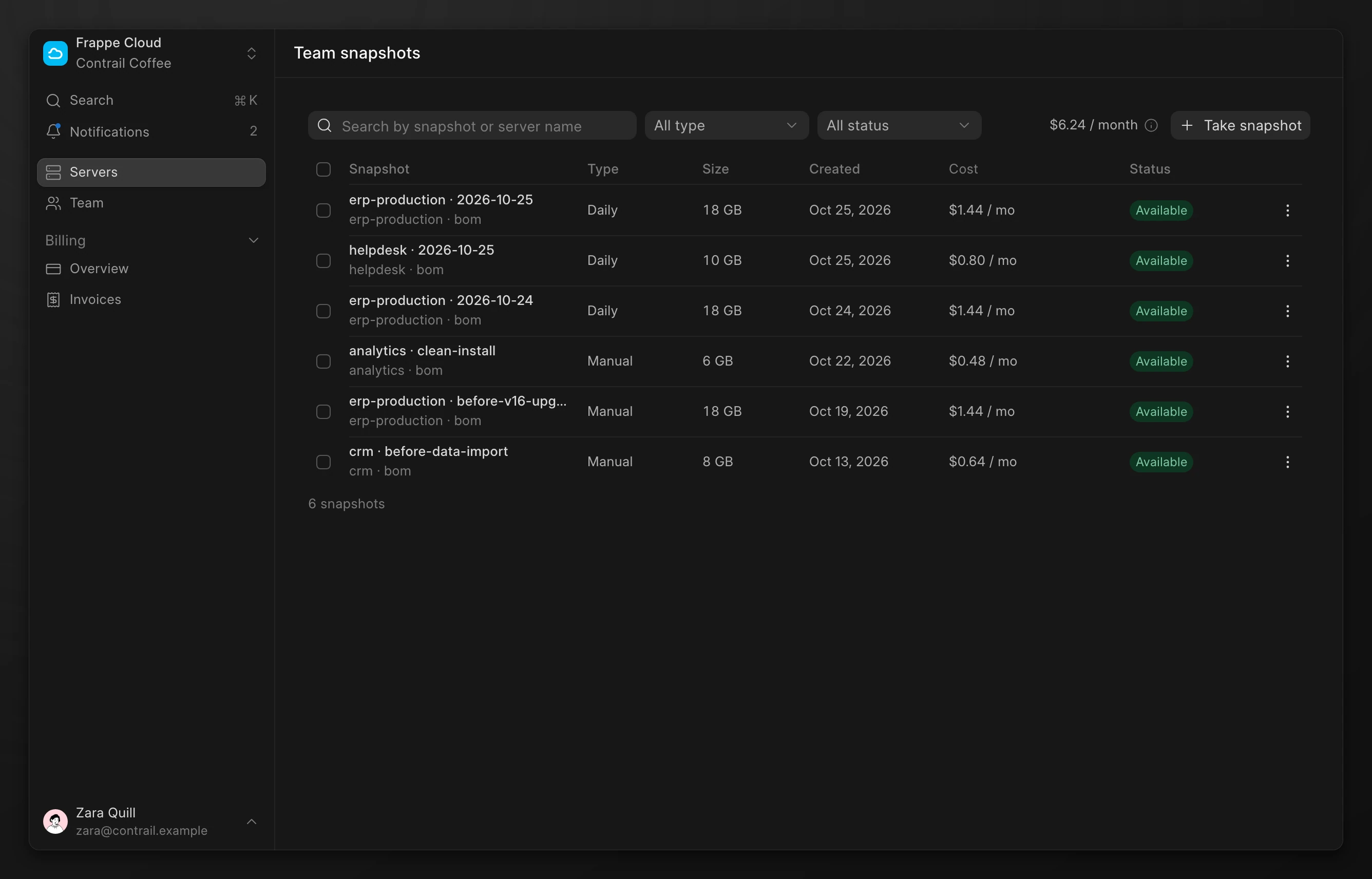
- Open Team snapshots to see the snapshots of all your servers. Its path in the console is
/dashboard/servers/snapshots.
Snapshot types
Each snapshot has a type. The type tells you why the snapshot exists and how long the region keeps it.
| Type | What it is | Made by | Kept until |
|---|---|---|---|
Daily | A safety net that you do not have to remember. | The region, once a day. | 48 hours, then deleted. You can keep it longer. |
Manual | A known good point, such as before an upgrade or a data import. | You, with Take snapshot. | You delete it. |
Final | The last state of a server that you terminate. | You, when you terminate a server and select Take a final snapshot first. | You delete it. |
When the region takes daily snapshots, the Snapshots tab of a server shows a Daily snapshots switch. Turn it off to stop daily snapshots of that server.
Cost
Every snapshot costs a price per GB per month, set for each region, until you delete it. This includes daily, kept, and final snapshots. The cost of one snapshot is at most the price of the full disk size of its server.
The Cost column shows what each snapshot costs a month. The total above the list shows the monthly cost of all your snapshots. If a region has no snapshot price yet, the total shows Price not set.
Snapshots stay after you terminate a server, and they keep their cost until you delete them.
Take a snapshot
- Open the server. Click Actions, then Take snapshot. You can also click Take snapshot on the Snapshots tab.
- Change the Name if you want.
- Click Take snapshot.
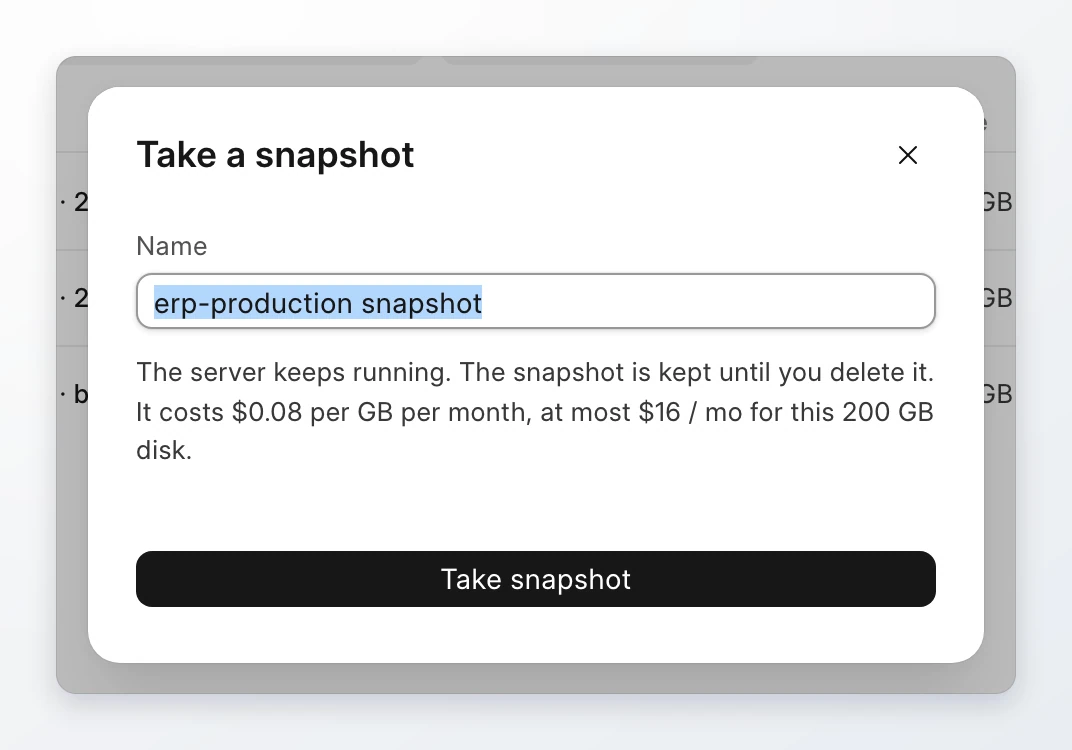
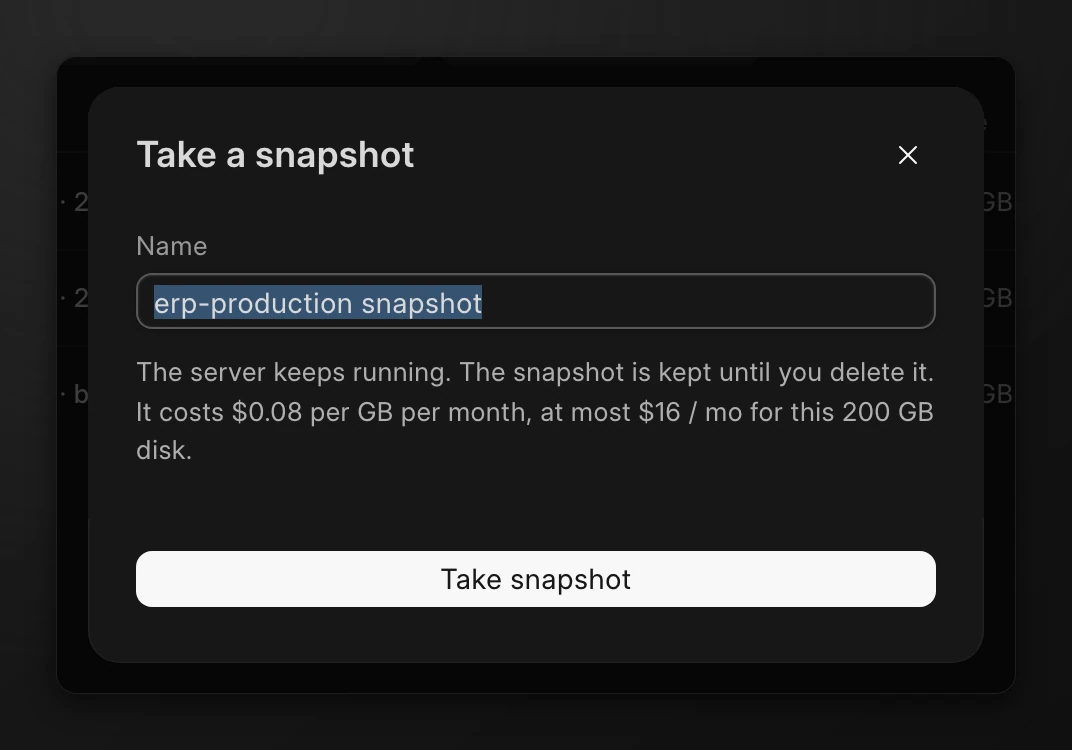
The server keeps running. The snapshot shows the status Pending, then Available. If it shows Failed, click the status to read the error.
Keep a daily snapshot
The region deletes a daily snapshot 48 hours after it takes it. To keep one longer:
- Open the row menu of the snapshot. Click Keep this snapshot.
- Click Keep snapshot.
The snapshot is no longer deleted on its own. It costs the region price until you delete it.
Restore a snapshot
A restore creates a new server from the snapshot, in the same region. The original server does not change.
- Open the row menu of the snapshot. Click Restore to a new server.
- The New server page opens with Snapshot selected and the snapshot filled in.
- Type a Name. Select a plan. The page shows only the plans that fit the snapshot.
- Click Create server.
You can also start on the New server page. Under Image, click Snapshot, then select a Snapshot. This option shows only when the region has a snapshot that you can restore.
Note
You can restore only a snapshot of an Ubuntu server. A snapshot of a Frappe server does not show Restore to a new server.
Delete snapshots
- Open the row menu of the snapshot. Click Delete. To delete more than one, select the rows, then click Delete and the count.
- Type the snapshot name, or
deletefor more than one snapshot. - Click Delete snapshot.
Warning
You cannot restore a deleted snapshot. Its storage stops costing money.
Limits
| Item | Limit |
|---|---|
| Daily snapshot | Kept for 48 hours unless you keep it. |
| Restore | Ubuntu servers only, to a new server in the same region. |
| Free trial | A free trial server takes no snapshots until you upgrade. |